Working from home has become common for many, and having a workspace that is both cozy and functional can make a big difference in your comfort and productivity. Whether you have a dedicated room or just a small corner, the way you set up your home office impacts how you work and feel throughout the day. Here are thoughtful tips to help you create a space that supports your work and feels inviting.
Choose the Right Location
Consider Light and Noise
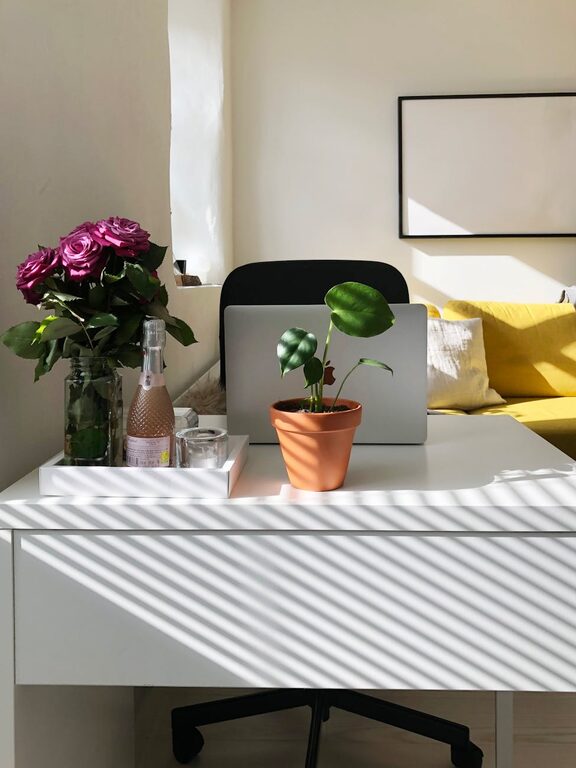
Start by picking a spot with plenty of natural light, if possible. Daylight helps improve mood and focus. Avoid locations close to noisy appliances or high-traffic areas to minimize distractions.
Think About Space Needs
Assess the size and layout of your workspace. Ensure there’s enough room for your desk, chair, and any equipment you use regularly. Having space to stretch or take quick breaks helps prevent fatigue.
Invest in Comfortable Furniture
Ergonomic Chair
A good chair supports your posture and reduces strain. Look for one that offers lumbar support and adjustable features like height and tilt.
Functional Desk
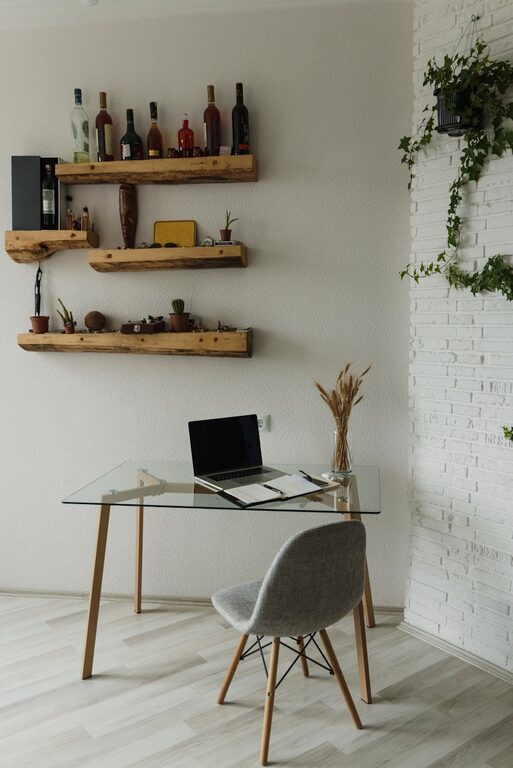
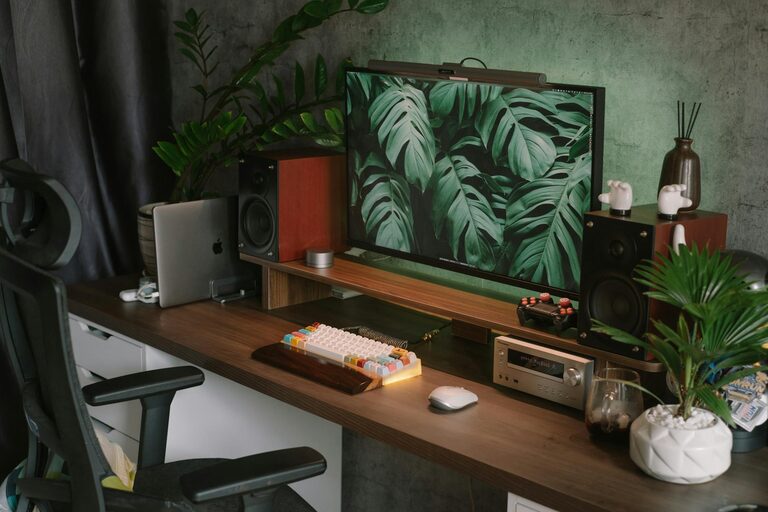
Choose a desk that fits your work style. If you use multiple monitors or need lots of writing space, pick a surface that accommodates those needs without clutter.
Organize for Efficiency
Declutter Regularly
Keep only the essentials on your desk. Removing unnecessary items helps maintain focus and keeps your workspace tidy.
Use Storage Solutions
Shelves, drawers, and organizers help keep papers, supplies, and gadgets in order. Label containers for easy access and to avoid wasting time searching.
Cable Management
Tidy up cables with clips, ties, or sleeves. This not only improves appearance but also reduces the risk of accidents or damage.
Personalize Your Space
Add Soothing Elements
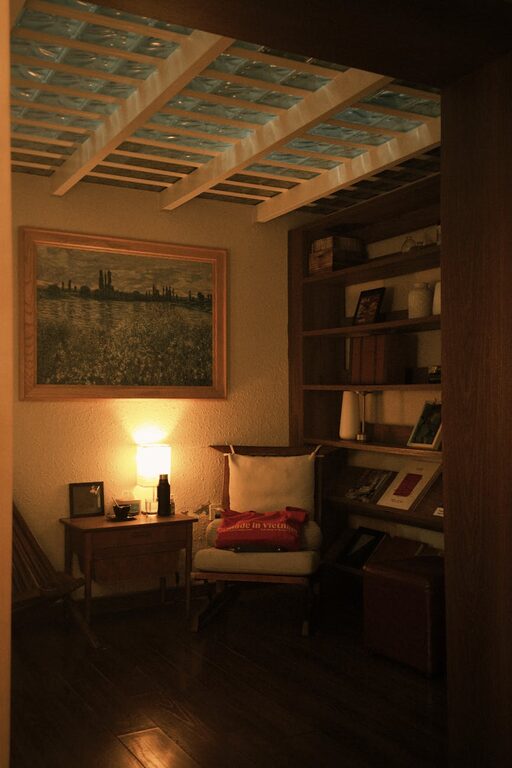
Incorporate things that make you feel calm and happy. This might include plants, artwork, or a small collection of your favorite books.
Choose Relaxing Colors
Soft, neutral tones tend to create a restful environment. If you prefer brighter colors, use them as accents through accessories like cushions or desk mats.
Optimize Lighting
Layer Your Lighting
Combine ambient, task, and accent lighting. Use a desk lamp with adjustable brightness for focused work, and softer lights to reduce eye strain when reading or taking breaks.
Avoid Glare
Position screens and lights to prevent glare, which can cause headaches and discomfort.
Manage Technology Wisely
Reliable Internet and Devices
Ensure your internet connection is strong and stable. Use devices and software that meet your work requirements.
Backup and Security
Keep data backed up and protect your workspace from unauthorized access. This helps maintain peace of mind while working remotely.
Incorporate Break and Movement Areas
Space for Stretching
If possible, allocate a small area for stretching or light exercises. Regular movement can boost energy and reduce stiffness.
Relaxation Spots
A comfortable chair or cushion away from your desk can offer a place to rest your eyes or meditate during breaks.
Maintain a Healthy Work Routine
Set Clear Boundaries
Design your workspace to clearly signal when you’re working and when you’re off. This helps improve work-life balance.
Keep the Area Clean
A clean workspace promotes well-being and reduces distractions. Set aside time each day to tidy up.
—
Creating a cozy and functional home workspace doesn’t require a big budget or major renovations. Thoughtful organization, comfortable furniture, and personal touches go a long way in making your workspace a productive and pleasant place to be. Experiment with these tips to find what works best for you and enjoy a more satisfying work-from-home experience.